

Case study
Peacock Studio
FounderEdge-native developer productivity platform
2026–Present · Product · Browser Extension · Privacy
Screenshots
Peacock Studio in the wild
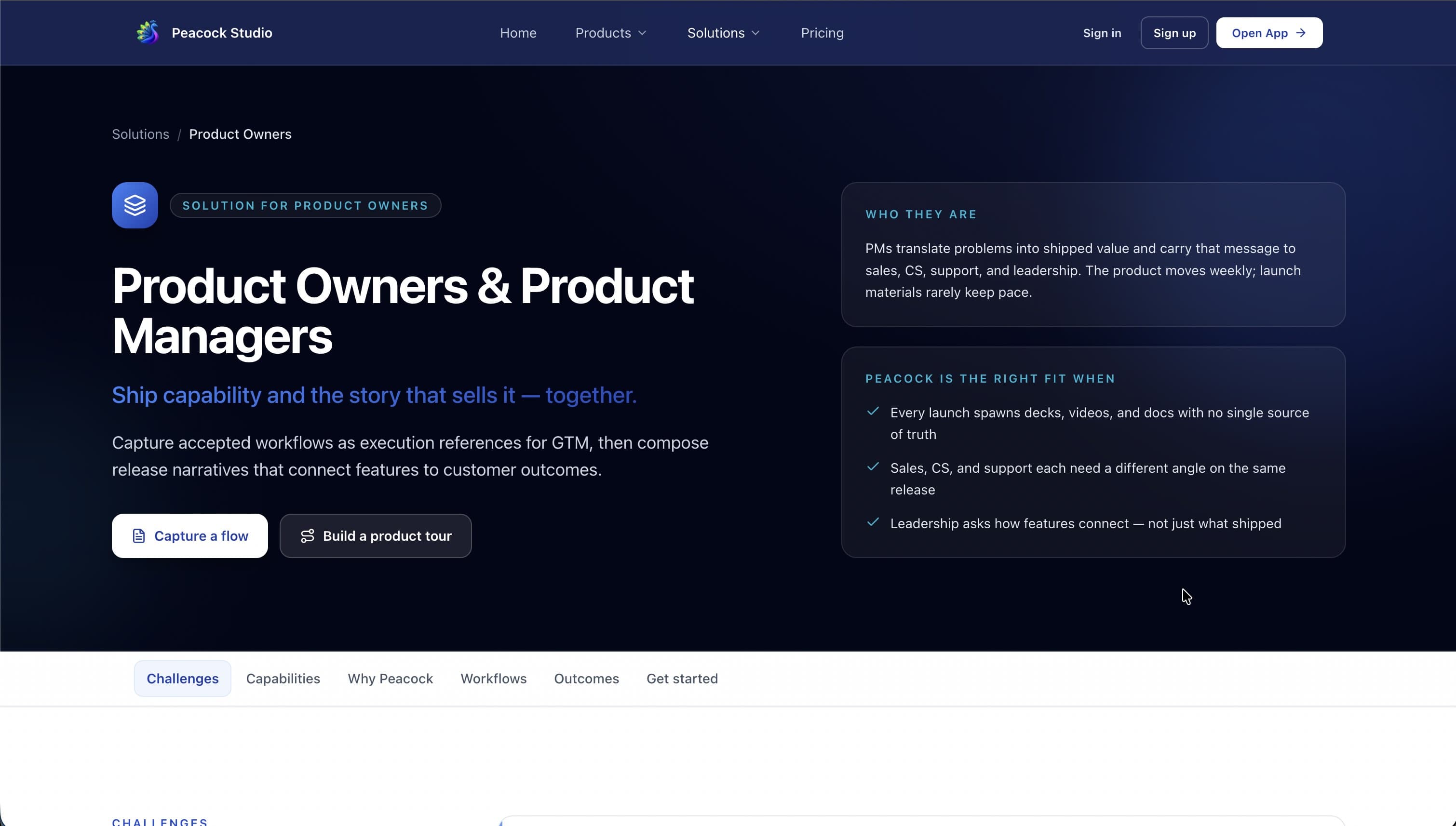
Peacock Studio solutions for Product Owners & Managers
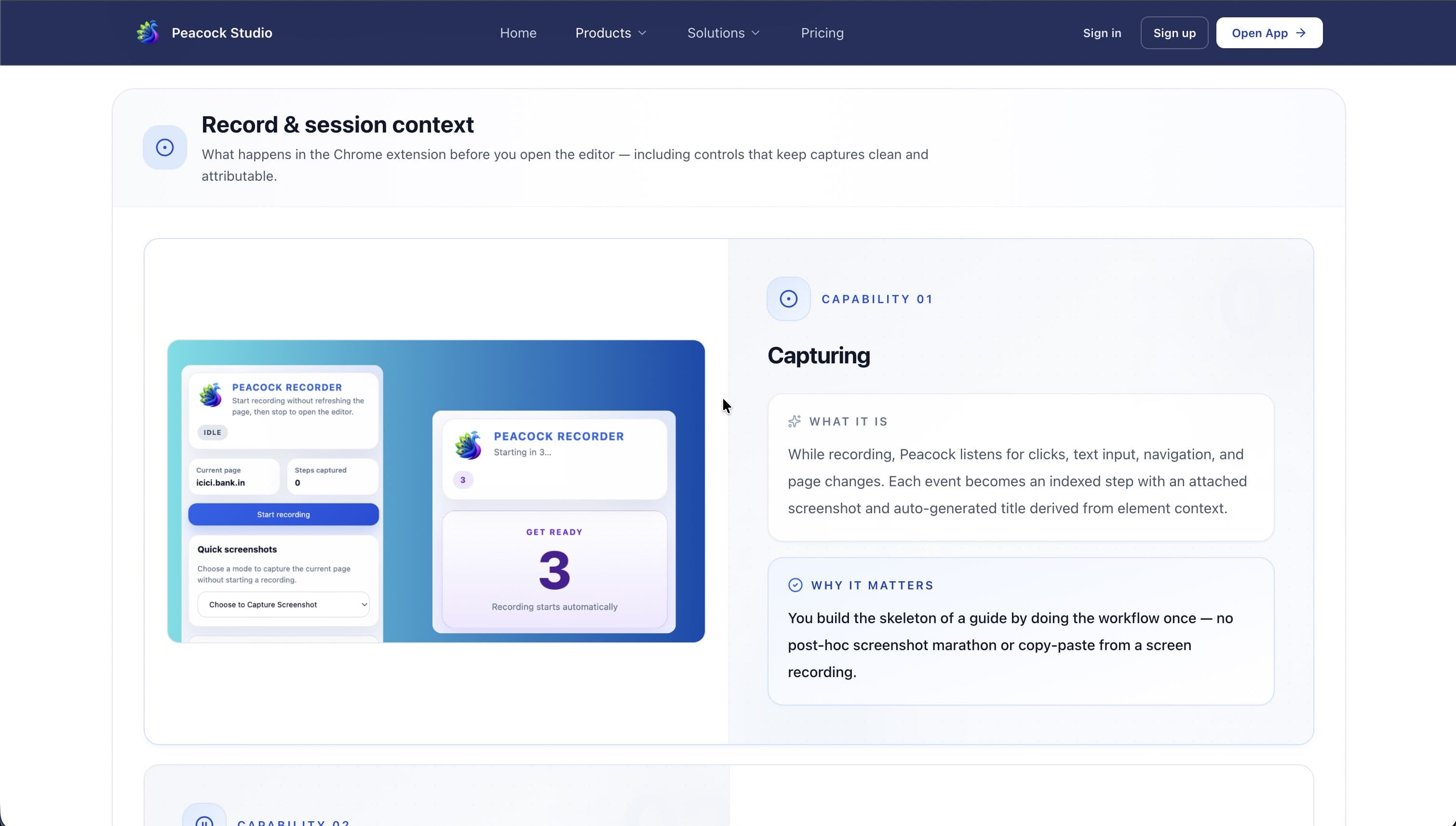
Peacock Studio product features - Flow Doc
How I decide
Cloud session tools vs edge-native capture
The same decision lens as a migration playbook — optimize for where data can live, not just feature checklists.
Default path
- Ship a SaaS recorder with server-side storage for speed to market
- Accept cloud processing as the cost of “smart” playback
- Treat privacy as a policy page, not an architecture constraint
Chosen path
- Keep capture, masking, and storage on the client (IndexedDB)
- Isolate the recorder UI in Shadow DOM so host apps stay safe
- Build modular pipelines so analytics can plug in later without a rewrite
If enterprise trust is the product, privacy has to be the architecture — not a toggle.
Data residency
Can sensitive DOM and keystrokes leave the browser? If no, cloud-first dies early.
Host impact
Will capture degrade the customer’s app? Memory and isolation matter as much as features.
Rewrite risk
Can future modules land without rebuilding the core pipeline? Prefer seams over monoliths.
The problem
Engineering and QA teams spend hours documenting workflows, capturing regressions, and explaining processes — often with brittle screenshots and tribal knowledge that goes stale the moment the UI changes.
Most session tools also push sensitive interaction data to the cloud. For enterprise environments, that is a non-starter.
What I built
Peacock Studio is an edge-native browser application — a Chrome/Edge extension paired with a React-based platform — that automates workflow documentation, visual testing, and interactive step-by-step process playback. The extension is on the Chrome Web Store.
Recording happens entirely on the client: high-frequency interactions, DOM mutations, screenshots, and application events stay local, with automatic masking of sensitive information and zero server-side data collection.
Architecture
The product uses a closed Shadow DOM boundary, Dexie.js on IndexedDB, and browser APIs to keep capture private and performant. An event-driven recording pipeline is optimized for low memory usage so session capture does not degrade the host application.
The architecture is modular so future capabilities — test generation, workflow analytics, bug reporting, and broader developer productivity tools — can plug in without rewriting the core.
Tools chosen
- React + TypeScript — maintainable UI for a complex extension surface.
- Shadow DOM — isolate the recorder UI from host page styles and scripts.
- Dexie.js / IndexedDB — structured local storage without a backend dependency.
- Browser extension APIs — capture where work already happens: inside the browser.
Outcomes
A privacy-first foundation for documenting and replaying real product workflows — designed for engineering and QA teams that need fidelity without compromising client data.